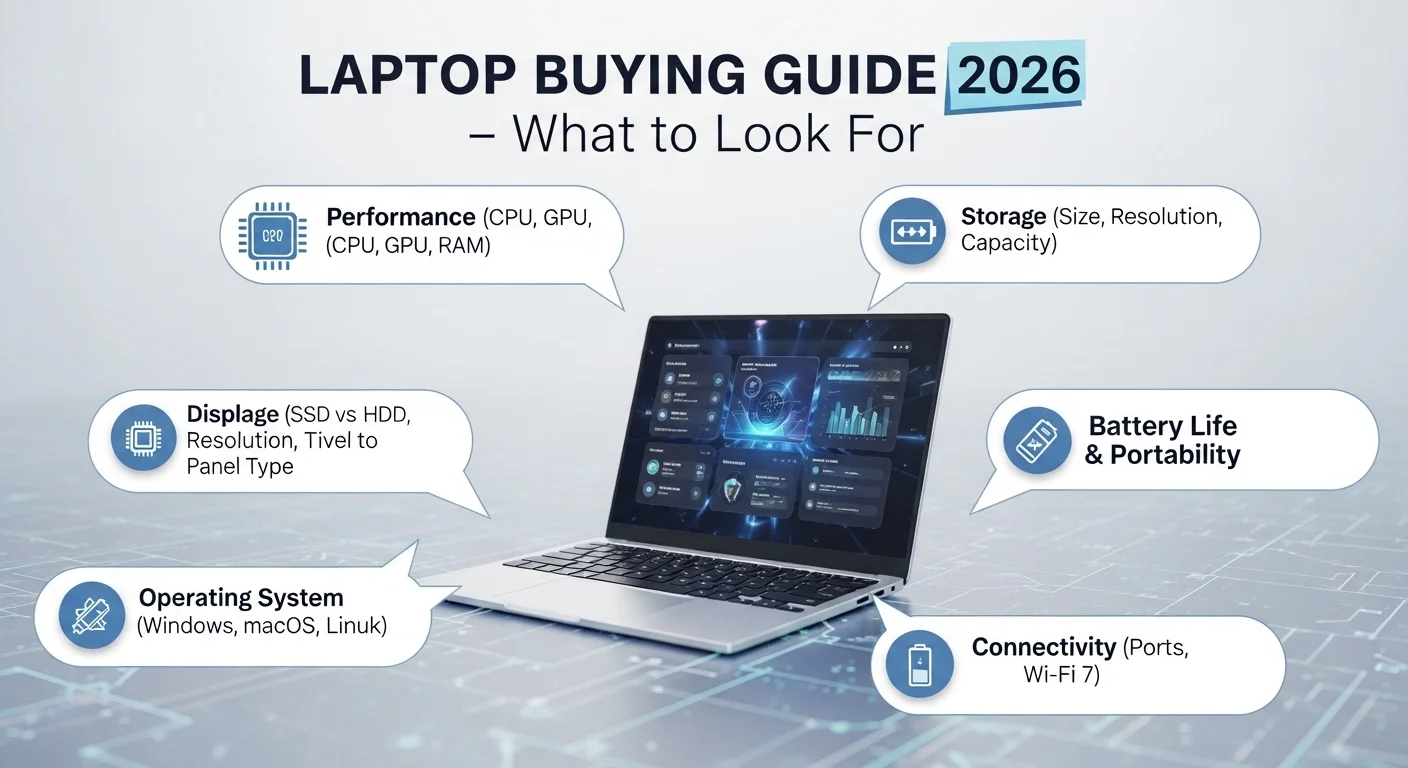
Laptop Buying Guide 2026 – What to Look For, It’s a daunting and overwhelming time to buy a laptop in 2026. Easier because the hardware has improved to the point where it’s good across all price points. More confusing because the spec sheets are a sea of marketing buzzwords, and vendors continue to think of new ways to confuse consumers who don’t know what they want.
I’ve been testing PCs for several years now, from the lowliest Chromebook to top-end workstations, and I see the same mistakes being made. They either pay too much for features they don’t need, or spend too little on something that promises to be great, but in practice is anything but.
Start With Your Use Case
The first thing you should do is to determine what you will use the computer for. This may seem like a no-brainer, but few people do it and just start comparing the RAM size of different laptops.
Someone who needs to write notes and essays will have completely different needs to a video editor, or a code writer. If you work from home, on the move, you have different needs than a desktop laptop user. The best laptop isn’t an absolute thing – it’s a relative thing.
Processors: Times Are A-Changing
The landscape of CPUs in 2026 is very different to that of just two years earlier. Intel’s Core Ultra chips have become mainstream, AMD’s Ryzen AI chips have taken off and Apple Silicon, now in its fourth iteration, is the standard for efficiency in thin-and-light laptops.
The thing to keep in mind here is that for most people, most of the time, most processors will be plenty fast for web browsing, word processing, Skype calls and even photo editing. The real differences between chips are in prolonged performance, heat, and power efficiency.
If power efficiency is important to you (and it should be to most people) ARM processors (Apple’s M-series, Qualcomm Snapdragon X Elite) are still best. Windows on ARM is finally running great, and most apps now natively support ARM.
RAM: Don’t be Bamboozled by Numbers
In 2016 16GB is the minimum for non-toys. 8GB computers are still available at the lower end but with today’s browsers guzzling memory, 8GB will be slow.
32GB is handy for coders, designers that need to run multiple resource-intensive apps, or video editors. Anything more, and you’re probably looking for a workstation.
The one thing you need to be aware of is unified memory (as in Apple Silicon) doesn’t work the same as RAM. 16GB of unified memory is likely faster than 16GB of standard RAM, due to its effective use by the CPU and GPU. Don’t make apples-to-apples comparisons.
Storage: Fast Is More Important than Big
Get an NVMe SSD. Full stop. If a laptop in your price range comes with an HDD or eMMC storage – don’t buy it. This will make a world of difference in boot and application loading times, file copy times.
The minimum should be 512GB. If you have large media files, 1TB is recommended. It’s good that the new mid-range laptops are now offering 1TB.
And make sure the storage is soldered to the motherboard (as is often the case with thin laptops) or not. This is important for the future. If it’s soldered, you can’t upgrade to a 512GB drive that fills up after two years.
Screen: Most People’s Biggest Give Up
The screen is the one and only part of the computer you will look at all day, every day, but it’s where people skimp when buying a computer. I think it’s a better exchange to have a slightly lower-powered CPU for a better display.
At a minimum, look for 1080p resolution, and 1440p or 2.8K resolution on larger screens (over 14 inches). OLED screens are now more widely available and have amazing contrast, but come with a bit more risk of burn-in with stagnant images over time.
Screen brightness is crucial for outdoor work or if you’re near a window. Look for at least 400 nits (indoors); 600+ nits (often outdoors).
Battery Life: Pay Attention to the Real-world Figures
Battery life is tested under ideal conditions at manufacturers’ labs. The real world battery life for a laptop rated at 18 hours will be 10-12 hours. You’ll get more accurate data from a review from a reputable source like The Verge, NotebookCheck, or Wirecutter.
I would prefer 10+ hours real-world use of a laptop you’ll take to work every day. With less than 7 hours you’re looking for wall plugs by lunchtime.
Build Quality and Keyboard
These are things you experience, but don’t often come up in the spec sheets. A magnesium alloy (or aluminium) case will last longer than plastic. If you’re purchasing a laptop which you’re hoping to use for four or five years, you don’t want to skimp on quality.
Everyone has their own preference when it comes to keyboards, but key travel and feedback are important. ThinkPads are still the best. If possible, type on any laptop for 10 minutes.
Budget Expectations in 2026
- $0 – $600: Suitable for students and casual users. Chromebooks and cheap Windows computers are now much better.
- $600–$1,000: The sweet spot for most people. Decent durability, display and performance.
- $1,000-$1,500: Great mid-range laptops with top-notch features.
- $1,500+: Workstation or gaming computers, or MacBook Pro.
FAQs
Q: Is 8GB RAM enough in 2026?
A: Yes, for minimal use – but we recommend 16GB at a minimum for satisfactory performance.
Q: Should I purchase a Windows or Mac?
A: For compatibility and what works for you. Macs are best in battery life; Windows has more hardware options and games.
Q: Should I get a laptop with OLED display?
A: Yes, for vibrant, accurate colours and contrast. But be aware of risk of burn-in with static images over time.
Q: What’s the lifespan of a laptop?
A: With good build quality and specs, you should get 4-6 years out of a laptop.
Q: Should I buy a laptop with a discrete GPU?
A: Just for gaming, video editing and machine learning. An iGPU will be fine for general use in 2016.
Leave a Reply