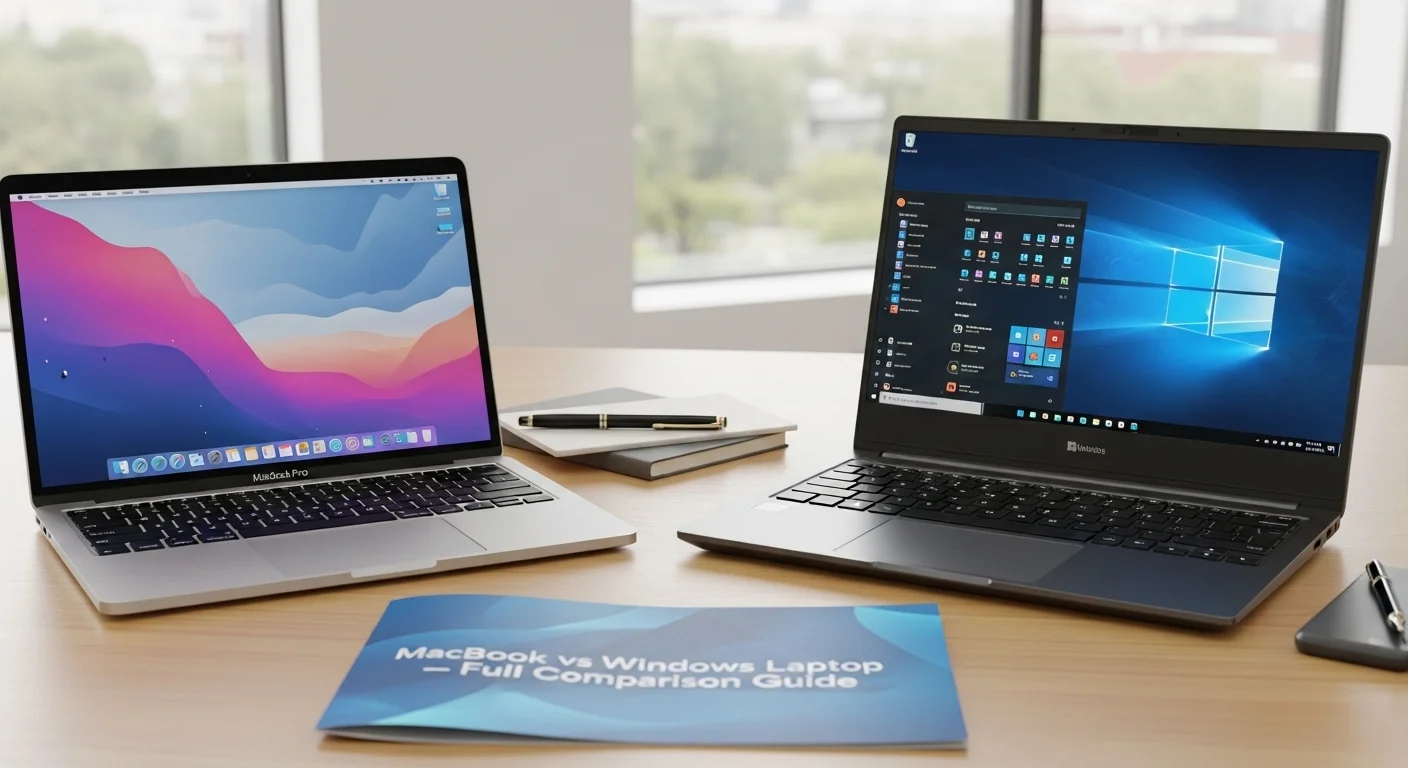
MacBook vs Windows Laptop – Full Comparison Guide, You’re at the juncture of an age old tech debate. Whether your old laptop finally kicked the proverbial bucket, or you’re simply on the market for a serious laptop for the first time. Regardless, the debate between MacBook and Windows laptop isn’t just a matter of choice of color, or price tag, it’s about who you are, and what you want to do.
I’m an experienced user of both. MacBooks to design and write, Windows laptops to game, to develop software, and just to do “stuff”. And what I’ve learnt.
Build Quality and Design
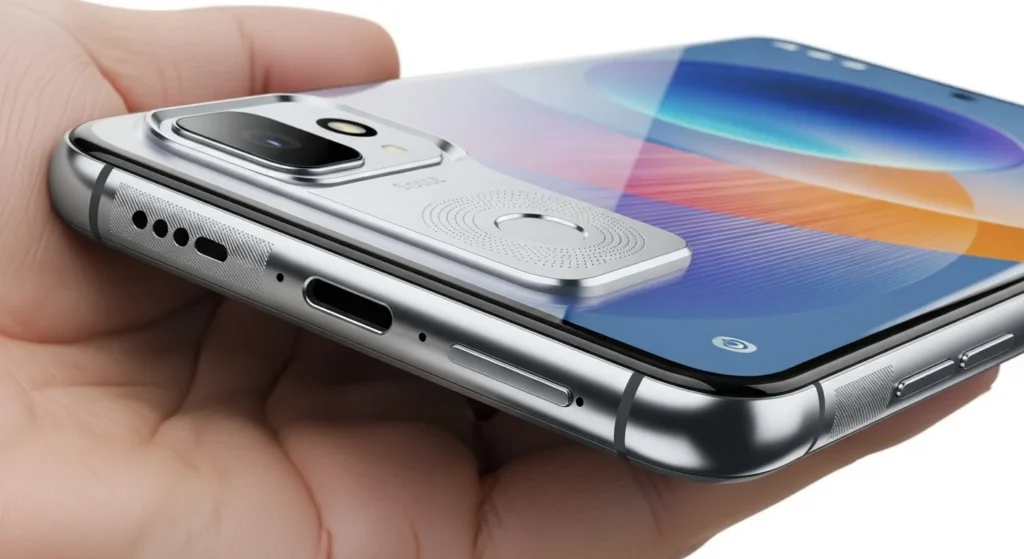
Firstly, the obvious. Not only are Apple’s MacBooks – especially the MacBook Air M2 and MacBook Pro M3 – beautiful to look at. The unibody design made of aluminum is simply stunning – you have to experience it to believe it. There is no “flex” to the trackpad, the keyboard is squishy and the hinges are snug.
With a Windows laptop it depends on the price. The Dell XPS 15, Lenovo ThinkPad X1 Carbon and Microsoft Surface Pro are a great match for MacBooks in terms of quality. But cheap Windows $499 laptops? Hey, that’s the plastic / creaky hinges class. The Windows offering is highly variable – a good and bad thing.
Power: Apple Silicon vs Intel/AMD
This is where it got really interesting in 2020 with the introduction of Apple Silicon (M1 chip). Apple Silicon is a significant advance over Intel. The M2 and M3 chips that now power the MacBooks are blisteringly fast – faster than many Intel Core i9 computers – and use less power, and with minimal fan noise.
I am a convert – after testing video exports. An M3 Pro MacBook Pro exported a 4K timeline from Final Cut Pro in almost 3 minutes. The same (Dell) computer with a comparable Intel Core i7 took almost 8 minutes in Premiere. That gap is real.
But with AMD Ryzen 9 and Intel Core Ultra CPUs, Windows laptops are good – particularly for gaming. And there’s more to this story – if pure gaming performance is important, Windows laptops are way ahead of the competition. With support for the Metal graphics API, MacBooks have improved, but remain not really gaming laptops.
Operating System Experience
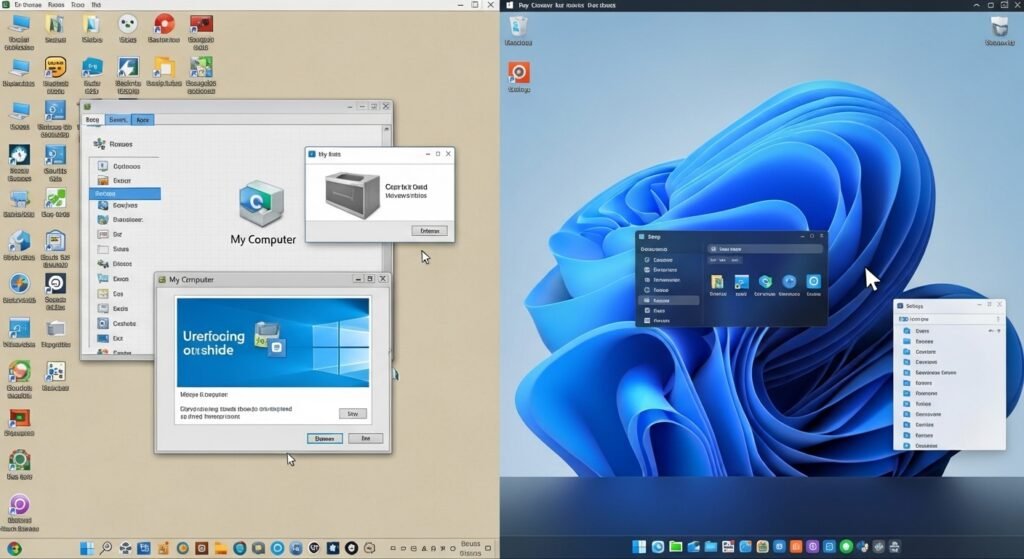
macOS is well-designed, consistent and supremely reliable. The seamless integration with other Apple devices (iPhone, iPad, AirPods) and iCloud is amazing. Handoff, AirDrop, Universal Clipboard – the way these work seamlessly is a testament to good design.
Windows 11 is no longer as clotted. It’s more streamlined than the previous version, and has great multitasking capabilities with Snap Layouts. But it’s also still saddled with old baggage, mixed user interface elements and the occasional impenetrable system error that keeps you up on Reddit until the wee hours.
If you’re a creative, novelist, or writer, you’ll tend to prefer macOS. For hackers and IT pros, or those that want to heavily modify their system, Windows is more open.
Software and App Ecosystem
This was a greater difference in the past. Nowadays, all the software is available on both – Adobe Creative Suite, Microsoft Office, Slack, Zoom, web browser, you name it. It’s a difference of specialisation.
Logic Pro and Final Cut Pro are still only available on the Mac, and are still the best in their class. However, many enterprise and business software tools, legacy business systems and engineering tools are unique to Windows. Some CAD software, accounting packages and government software is not available on the Mac.
When it comes to gaming, Windows is head and shoulders above. Windows’ Steam gaming platform, DirectX support and plethora of native PC games put it ahead of the competition in gaming.
Battery Life
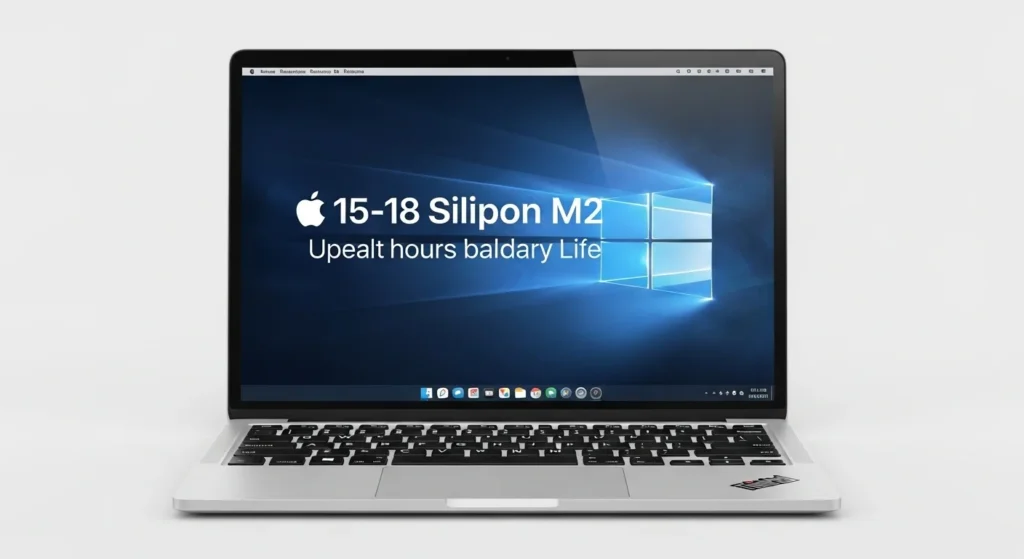
The MacBook Air M2 has up to 15-18 hours of battery life. This is real-world, with me using it through all day trips. Apple Silicon’s efficiency is really cutting edge.
The Windows range is a mixed bag High end ultrabooks such as the Lenovo ThinkPad Z13 will last 12-14 hours. Cheap ones can only last 5 hours. It all depends on what you purchase.
Price and Value
The starting price of a MacBook is $1,099 (the MacBook Air M2). The top-spec MacBook Pro M3 Max will cost over $3,500. Apple is not in the low end market – they just aren’t.
Windows laptops are available to suit all budgets, from $300 to $4,000+. That accessibility matters. A student with a budget for an affordable computer for school doesn’t have the funds for a MacBook – Windows offers good value here.
But MacBooks appear to be a pretty good investment. You can expect to resell a MacBook Pro that’s 3 years old for 60-70% of its original cost. That’s going to make a big difference to the cost of ownership.
Who Should Buy What?
Choose a MacBook if: You are a creative professional (design, video, music production), you have other Apple devices, you want a laptop that will work flawlessly for years and require little care or you need to use it for a long time on battery power.
Choose a laptop with Windows if: You play games, have software that runs on Windows, budget is a major consideration, you want to be able to upgrade hardware or make other system tweaks, or you want to have the ability to troubleshoot your system.
FAQ
What’s better for students: MacBook or Window?
It’s a matter of cost and course of study. MacBooks are great for students of art or general purposes. For programs in engineering or IT (with specific software), it might be better to go with Windows.
Which is better, MacBook or Windows laptop?
Generally, yes. MacBooks typically get software support for longer, and hold up well with age in comparison to most laptops running Windows.
Will my MacBook run Windows?
You can now run Windows on M-series Macs in virtual machines (such as Parallels) but not natively using Boot Camp.
What’s best for video editing?
The new MacBook Pro with Apple Silicon is an excellent choice for video editing (with Final Cut Pro). Windows PC’s with discrete GPUs are fine for Premiere Pro.
Are MacBook Pro computers worth it?
If you are an Apple user, and care about quality, durability and resale, then yes, they are worth it.
Leave a Reply