Introduction
Cloud Gaming Explained – Future of Gaming Industry, The last ten years has seen a lot of changes in the world of gaming. From cartridges to DVDs, and now to streaming – it’s an evolutionary process. Simply put, cloud gaming is when you play games over the web, without a high-end computer or console. It’s like watching and playing a game on TV, but your game is stored on a server. No installing, no gaming consoles. All you need is internet (and a device). It’s easy enough to say but there’s a lot more going on. This article will explain everything you need to know about cloud gaming, what it is, how it works and if it’s worth it.
What is Cloud Gaming
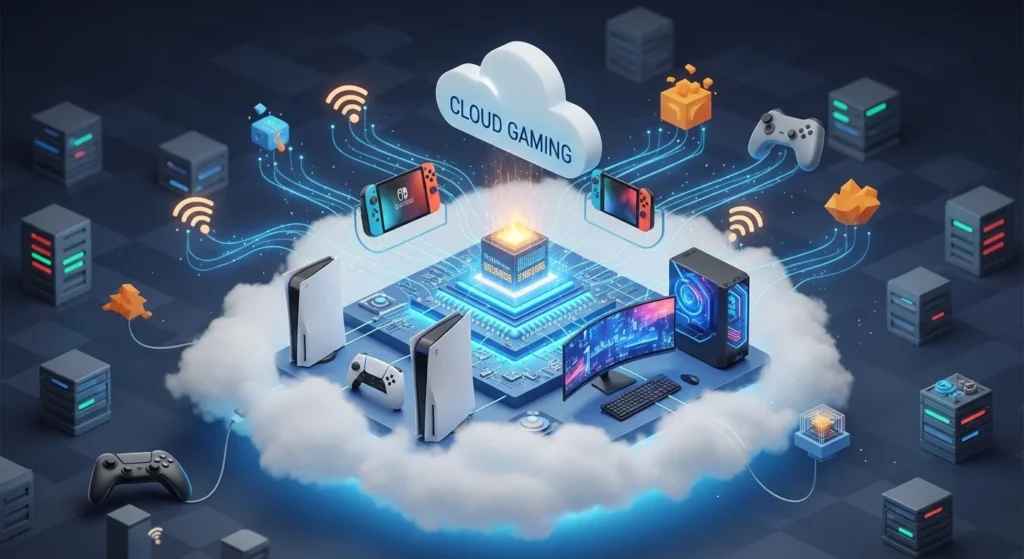
Just like Netflix, cloud gaming is like streaming video games instead of downloading them. For example, you don’t download a movie, you stream it. With cloud gaming, it’s the same. The game is run on a powerful server. It streams a video stream to your device. You control the game with your controller. This is all done in real time.
The problem is time. Because there is a delay to send the button to a server and back again to show a video frame, it can’t be too long. That’s because of latency. The faster the speed, the smoother the game. It’s generally the goal of most cloud gaming services to provide low latency – less than 20 milliseconds.
Hence the importance of a fast internet connection. The recommended download speed is 15 Mbps – 25 Mbps. Fiber internet is the best. But mobile data (particularly 5G) will also work.
How to Get Started
If you’re interested in cloud gaming, try the free version. All services have a free trial. This will help you try it before you buy.
It’s best to play with a cable. Wi-Fi is acceptable, but it’s better to connect with a cable. And don’t have other devices or apps running when you’re gaming.
Choose a service that’s right for your games. If you play Steam games, it’s best to use GeForce NOW. If you don’t have many games, Xbox Game Pass gets you the best bang for your buck.
It may take some time to get used to it. You might have to get used to it, particularly if you’ve been playing on a powerful computer.
Top Cloud Gaming Platforms Compared
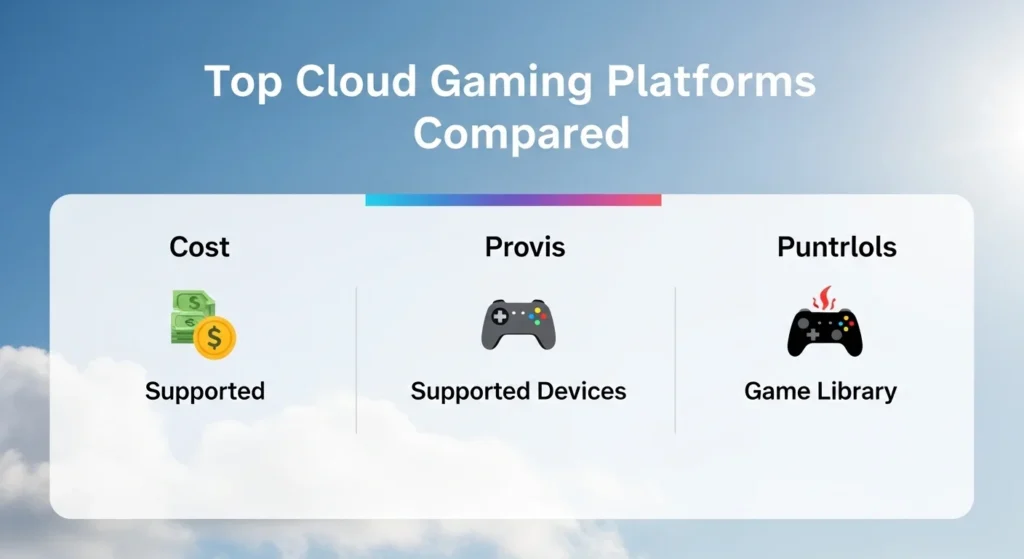
There are several platforms available today. Each one has different features, pricing, and game libraries. Here’s a quick comparison to help you decide:
| Feature | Option / Type | Description |
|---|---|---|
| Platform | NVIDIA GeForce NOW | Streams games you already own from Steam or Epic Games |
| Platform | Xbox Cloud Gaming | Included with Xbox Game Pass Ultimate subscription |
| Platform | PlayStation Now (PS Plus) | Sony’s service with PlayStation games via streaming |
| Pricing Model | Subscription-based | Monthly fee gives access to a library of games |
| Pricing Model | Pay-per-hour | Some services charge based on time used |
Each platform has its own strengths. Xbox Cloud Gaming is great if you already use Game Pass. NVIDIA GeForce NOW works well if you have a big Steam library. PlayStation fans may prefer Sony’s service. Try a free trial before committing to any plan.
Key Benefits of Cloud Gaming
For a start, it’s accessible. You don’t need a $500 console or a $1,000 gaming PC. You can play on an inexpensive laptop, tablet or phone.
The other advantage is portability. There’s no need to download, update or install. Simply launch the app and go. You don’t have to worry about running out of storage.
And it’s cheaper to play. Rather than having to purchase equipment, you can pay a monthly subscription. This makes the game more accessible to people worldwide.
Finally, you can play on different devices with cloud gaming. Play on your TV, pick up on your phone at lunchtime. This is something you can’t get with other games.
Common Mistakes to Avoid
One common mistake that people make is to play cloud games with a poor internet connection. This will cause poor visuals and lag. Be sure to check your speed at speedtest.net.
The other common error is not considering ping. It’s not all about the download speed. Even with high-speed internet, games may be unplayable if ping is too high. Ideally, have a ping lower than 30ms.
Also, users sometimes have unrealistic expectations of free plans. A free tier can have a capped resolution, waiting time or length of time to play. If you’re going to cloud game, the paid plan will be better.
Tips from the Pros
If possible, play with a game controller rather than a keyboard/mouse. It may be more intuitive and it’s good for cloud gaming.
See what region is best for you. Many services allow you to select a data center. This helps to minimise lag and enhance the user experience.
Make sure your browser or app is up-to-date. Older versions may experience connectivity problems or slow down. It’s a simple solution to many issues.
Frequently Asked Questions
Q1: Do I need to have a gaming PC to play cloud games?
No. Cloud gaming is a service, hosted in the cloud. All you need is a screen and Internet connection.
Q2: Can you play competitive games with cloud gaming?
It’s possible but reflex games can be a bit laggy. It’s better for noncompetitive and narrative games.
Q3: Will cloud gaming be the future of gaming?
And many people think so. With faster internet connections available around the world, it’s possible that cloud gaming will become more popular and accessible.
Conclusion
The answer to the question, what is cloud gaming? is this – play any game, on any device, anytime. It’s not the best, but it’s getting there. More companies are launching, internet connections are getting faster and costs are more affordable. Cloud gaming is great for all gamers, whether you’re looking to save on hardware or just want to play games on the go. The gaming industry is heading towards streaming – and it’s not that far away. If you haven’t tried it, now is the time to consider it and see if it’s right for you.
Leave a Reply