Introduction
Best Gaming Monitors 2026 – High Refresh Rate Picks, It’s a tough time to buy a gaming monitor. There’s a lot of choice and everyone promises the world’s fastest, sharpest and finest monitor. But how do you decide which is best? This article on the best gaming monitors 2026 – high refresh rate picks will help you do just that. From first-person shooters to massive RPGs, to Sim City – there’s a monitor for everyone. We’ll break down the key considerations, compare the most popular monitors, offer some tips and pitfalls to avoid.
Refresh Rate: Why It’s a Big Deal
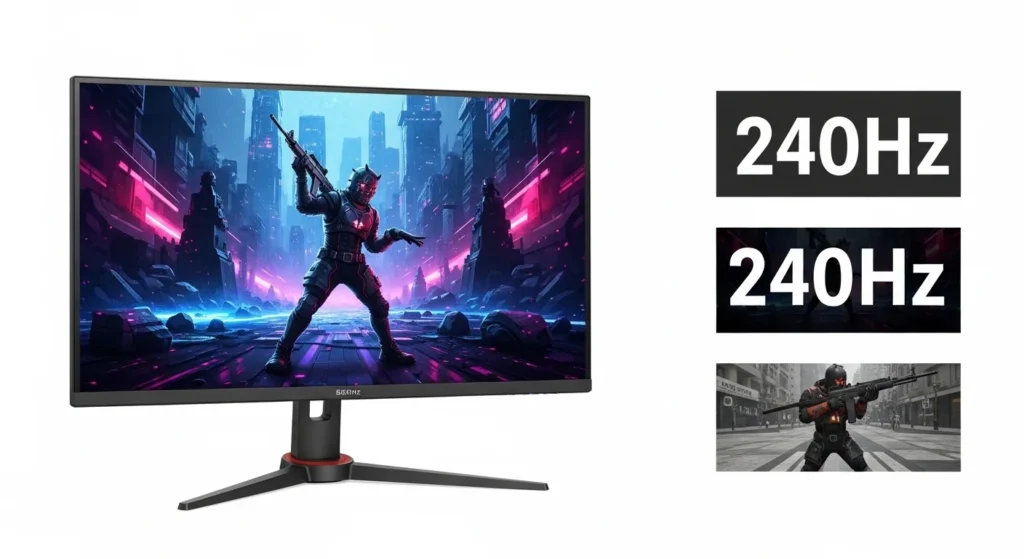
The refresh rate is measured in hertz (Hz). That is, how many times your screen refreshes the image every second. 60Hz is 60 times. A 240Hz monitor refreshes 240 times. The more the better the image.
This is huge for eSports. This allows you to keep better track of enemies and respond quicker. It even makes a difference to casual gamers when navigating menus and immersive game environments.
But there’s more to it than just refresh rate. It’s also important to look at response time, panel technology and resolution. If your 360Hz monitor has bad colour accuracy, it won’t look very good in single-player games either. Balance is everything.
Tips for Buying a Gaming Monitor
Start with your GPU. Don’t expect to get the best out of a 360Hz refresh rate monitor if your graphics card can only manage 120Hz. Don’t get a monitor that goes beyond your system.
Consider your gaming style. Action games like shooters like high refresh rates and fast response times. OLED with strong colors and contrast is ideal for games with a strong narrative. For both, a 240Hz OLED monitor with 1440p resolution is a great choice this year.
Don’t forget about desk space. A 32-inch ultrawide monitor looks great, but it may not be right for you. Be sure to check the desk size. And see if you can adjust the height of the monitor. It’s important to be comfortable when playing for extended periods.
Comparing the Top High Refresh Rate Monitor Types in 2026
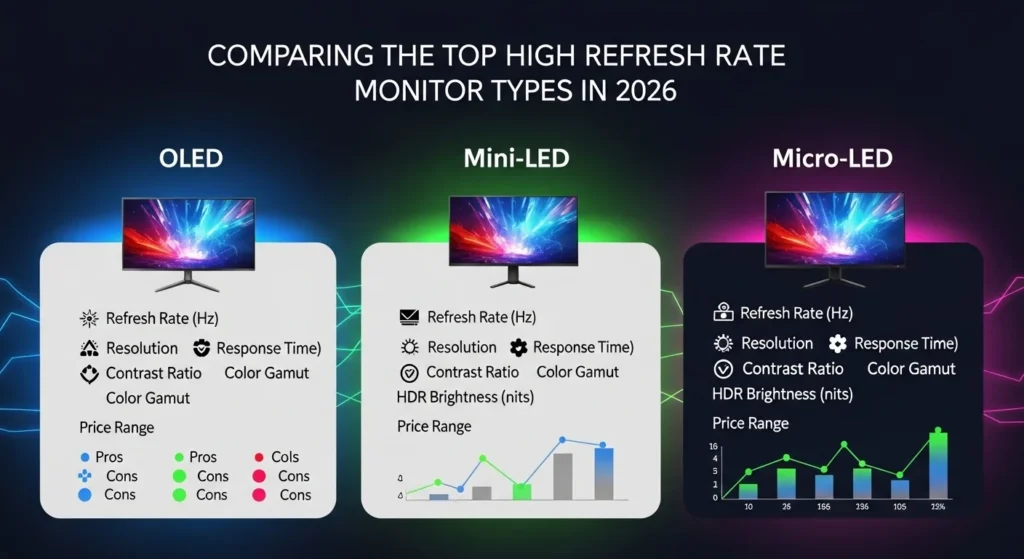
Not every gaming monitor is built the same way. Panel technology, screen size, and resolution all play a role in performance. Here’s a quick comparison to help you understand your options.
| Feature | Option / Type | Description |
|---|---|---|
| Panel Technology | IPS vs. OLED vs. VA | IPS offers wide viewing angles. OLED delivers deep blacks and fast response. VA provides high contrast but slower pixel transitions. |
| Refresh Rate | 144Hz / 240Hz / 360Hz+ | 144Hz suits most gamers. 240Hz and above benefit competitive players who need every edge. |
| Resolution | 1080p / 1440p / 4K | 1440p at high refresh rates is the sweet spot for most setups in 2026. 4K at 240Hz is now achievable with newer GPUs. |
| Screen Size | 24″ / 27″ / 32″+ | 27 inches at 1440p remains the most popular choice. Ultrawide options are growing fast. |
| Adaptive Sync | G-Sync / FreeSync / Both | Prevents screen tearing by syncing monitor and GPU refresh rates. Most modern monitors support both. |
This table should give you a solid starting point. Your ideal pick depends on the games you play and the hardware powering your setup.
Why You Should Buy a High Refresh Rate Monitor
The primary one is smoother gameplay. Camera panning, player animations, and other movements appear smoother. After 144Hz or more, the 60Hz refresh rate always feels slower.
There is less input lag on a high refresh rate monitors. This means your click or keystroke will register quicker. This is advantageous to competitive gamers.
There’s less eye strain, too. Buttery smooth images are easier to gaze at for longer. This, along with other features such as flicker-free lighting and blue light reduction, means you can enjoy longer play sessions with a gaming monitor.
Finally, many high refresh rate monitors also support High Dynamic Range (HDR). Games displayed with HDR are gorgeous, with better-looking highlights and lighting. It’s a great feature that further enhances your gaming experience.
Frequent Monitor Purchasing Errors by Gamers
Going for the wrong specifications. Specs don’t necessarily translate to real life. Do research, read reviews and watch videos before you buy.
Ignoring panel type. A TN panel will have a quick response time, but few gamers will be satisfied with its poor viewing angles and color quality. IPS and OLED will be a better option for most gamers.
Don’t pay for what you can’t afford. There’s no point paying for a 4K 240Hz display if you can’t run 4K 60fps. Know your computer’s capabilities.
Skipping calibration. Monitors are not always set up to their best. A little time tweaking the brightness, contrast and color improves the picture.
Forgetting about connectivity. Be aware of the monitor’s port options. DisplayPort 2.1 and HDMI 2.1 are the best options to get high refresh rates for higher resolutions for gaming.
Pro Tips to Get the Best from Your Monitor
Turn on adaptive sync in your monitor’s menu and/or your GPU’s control software. This allows you to get rid of screen tearing without the input lag caused by V-Sync.
Use the monitor’s native resolution. Lowering the resolution for higher frame rates can be blurry. Adapt the game’s settings (such as shadows and ambient occlusion) to get higher frame rates while keeping the native resolution.
Keep your drivers up-to-date. New drivers can feature optimisations for your monitor, and resolve other issues.
If available, try different overdrive levels. An appropriate overdrive setting will alleviate ghosting without adding inverse ghosting. Typically medium is best.
Add a monitor arm. You save table space, and can put the display at the right height and tilt. It’s good for your neck when you play long hours.
Questions about the Best Gaming Monitors 2016
Q: Should I get a 240Hz or 144Hz monitor?
A: Yes, but it’s more crucial for competitive, action-packed games. 144Hz is still a great option for casual gamers and more affordable.
Q: Is the higher price of OLED gaming monitors justified?
A: Yes, they’re definitely worth it. OLED monitors have better contrast, response times and colours. There are also now technologies to prevent burn-in.
Q: What’s the ideal size screen for competitive gaming?
A: 27″ 1440p is the favourite among competitive players. This size provides a nice compromise between screen size and being able to keep the entire image in view without moving your head.
Conclusion
Choosing the best gaming monitors 2026 – high refresh rate displays needn’t be overwhelming. Just make sure you consider your GPU, the games you play and budget. Most gamers will be fine with a 1440p monitor refresh rate of 144Hz or higher. For ultimate image quality, OLED displays at 240Hz are the best this year. Don’t make mistakes like buying more than you need, and make sure to calibrate your monitor. The right monitor enhances your gaming. It’s time for an upgrade.
Leave a Reply